
Sanilac County Traffic Court Records
Traffic cases in Sanilac County run through 73A District Court. Brown City, Croswell, Marlette, and Sandusky post no separate municipal-court docket portals of their own. A city officer may have written the ticket. Even so, the court named on the citation keeps the case record and hearing date. Start a docket search with MiCOURT Case Search or the county's public hearing display.
A traffic file can list the citation or case number, the court, and the traffic category. It may also show the filing date, the violation, the hearing date, a plea or response, the disposition, fines and costs, payment events, resets, and closure when public. Not every file shows all of this. A daily calendar helps with one setting. But it is not the full Register of Actions.
Sanilac Traffic Tickets Start at 73A
The 73A District Court handles traffic matters for all of Sanilac County. It sits at 60 West Sanilac Avenue in Sandusky. The county gives 810-648-3250 as the court number and 810-648-3424 for the magistrate. The citation number and court name are printed on your ticket. Begin with both. Then let the district court clerk confirm a current court date, answer file questions, or walk you through a copy request.
73A District Court
Sanilac County traffic, district criminal, civil, small-claims, and ordinance court records.
60 West Sanilac Avenue
Sandusky, MI 48471
810-648-3250
MiFILE/TrueFiling also lists this Sanilac district court for electronic filing. But a filing login is not a court-record search tool. It will not answer a docket or calendar question.
Looking Up a Traffic Ticket
Search by citation or case number first. In MiCOURT, pick D73A, then the traffic category if the screen offers it. A narrow name search works as a fallback. It can pull unrelated cases. So match the court, filing year, traffic category, hearing date, and case number before trusting any result. Keep your original citation close. Its appearance date and instructions still control. They hold even when an online result lags or falls short.
- Read the citation for the issuing agency, court, citation number, appearance date, and response instructions.
- Open MiCOURT in a current browser, select D73A, and use the citation or court case number. Use a narrow name search only when the number is unavailable.
- Check the Sanilac Courts Hearing Docket for a date, time, room, and case-number view.
- Call 73A at 810-648-3250 if a citation has not posted, the setting is unclear, or the court-file route needs confirmation.
- Use the clerk counter or the local mail procedure named in the fine instructions when the citation says that route is available. Ask whether a court appearance remains required.
| Lookup field | Use | Sanilac note |
|---|---|---|
| Court | Select the court record system | Use D73A for the county traffic court route. |
| Citation or case number | Most focused lookup | Use the exact identifier printed on the citation. |
| Case year and category | Narrow an available result | Traffic options can vary by the current public screen. |
| Name | Fallback search field | Confirm the court and citation number before relying on a result. |
Sanilac Traffic Tickets and PLC 1034
The official 73A fine instructions describe one option. Sign the citation for an eligible responsible plea and mail a check or money order to 73A District Court, Attn: Magistrate, at the Sandusky address. That same instruction points to a phone payment route through GovPayNow at 888-604-7888. It uses PLC 1034 and your citation number. Eligibility and deadlines are specific to each citation.
The GovPayNow payment service is the channel the local instruction names.
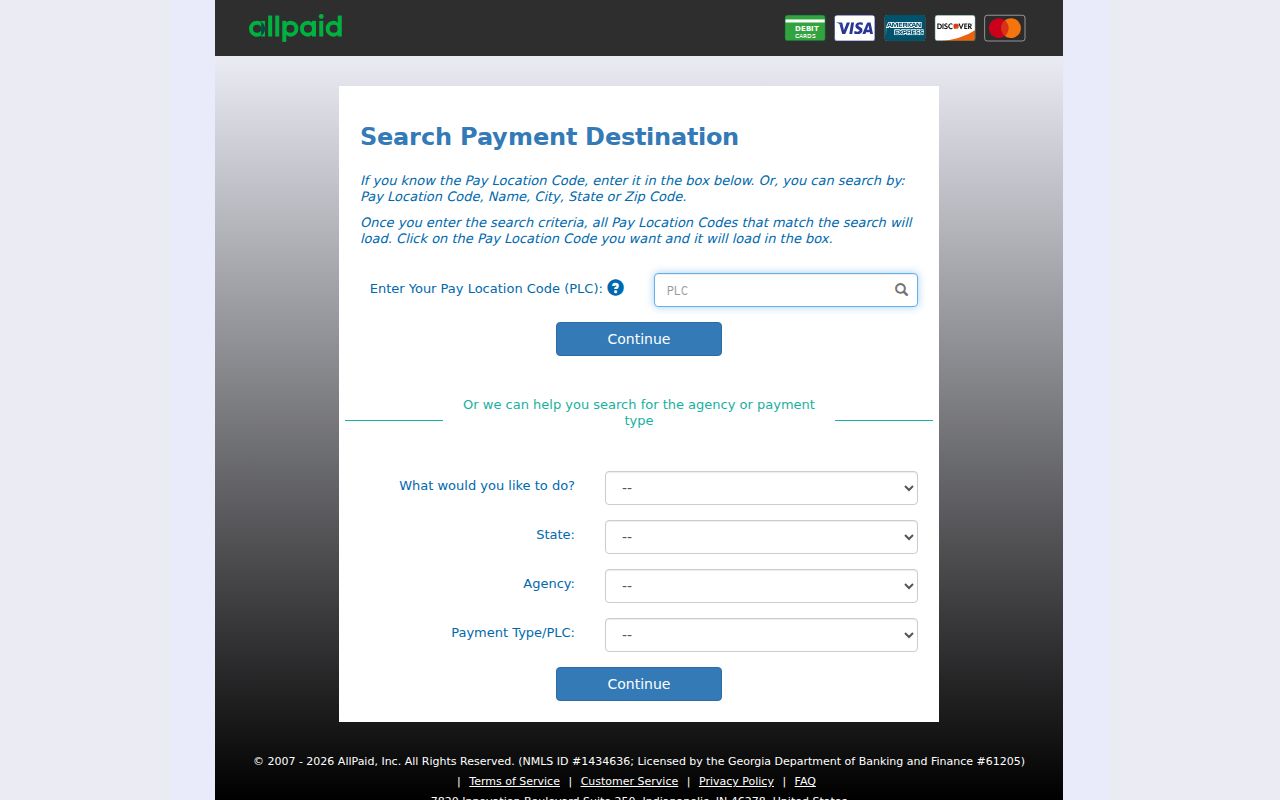
A payment screen is not the last word. The citation, the current 73A instruction, and a clerk confirmation still govern any Sanilac County court date.
How to Find Your Traffic Court Date
The appearance instruction on the citation is your first date source. The Sanilac public display is a second route. It shows party name, time, room, case number, and hearing details for the day. It can shift, require JavaScript, or come up empty. Check the court date again close to the setting. When a row is missing, reset, or unclear, confirm with the 73A clerk.
| Citation or case number | Use the exact citation number first. A synthetic MiCOURT-style case example is 2026-0000000000-XX; it is not a real Sanilac record. |
|---|---|
| Court | Confirm that 73A District Court is the court named on the citation or public case result. |
| Date and time | Scheduled setting information from the citation, public display, or clerk confirmation. |
| Room and hearing info | Calendar output fields that identify where and what is set, subject to change. |
| Register of Actions | Use the public case history or clerk to check a reset, adjournment, or later event. |
Sanilac Traffic Calendar Rows Need Context
A Sanilac County hearing row means one thing. A traffic setting is scheduled. It does not show that the ticket was paid, contested, dismissed, or resolved. The display is built for dates, rooms, times, and case numbers. Later steps appear elsewhere. For a response, disposition, payment, reset, or closure, use the Register of Actions or the clerk.
Search the calendar in a short date window. Confirm D73A before reading any row. Labels like pretrial, motion, review, or trial describe the setting, never the result. Courtroom changes, adjournments, remote sessions, and protected matters happen. They can leave an older copied entry stale too.
Pay or Contest a Ticket
Local materials describe two ways to respond in court. If the citation and current 73A instruction allow it, an eligible responsible plea and payment can go by mail with the signed citation or through the cited GovPayNow route. Want to contest or plead not responsible? Contact 73A and follow the appearance or hearing instructions on the citation. Sanilac County sets no single universal deadline, so the date printed on your ticket controls.
| Responsible plea or payment | Contest or not-responsible response |
|---|---|
| Use the signed citation and mail or GovPayNow route only when the current instruction makes that route available. | Contact 73A and follow the hearing or appearance instruction on the citation. |
| Use the citation number and the deadline printed on the citation. | Use the citation's date; ask the clerk if the instruction is unclear. |
| Keep the citation and verify the court-file event if a public record is needed. | Check the next setting in the Register of Actions or with the clerk. |
Missed setting or response question: A failure-to-appear or reset entry needs current confirmation from 73A. Do not assume that payment resolves a missed appearance. Ask the clerk which court order or response is active and what action is authorized.
Sanilac Traffic Dates Can Be Reset
Seeing a reset, adjournment, or new date on the calendar? Check the public Register of Actions if one is available. Then call 73A to confirm the current setting. An old daily display is never a reliable final notice. No general local deadline list exists to replace the date on a given citation.
A missed setting can carry court-specific consequences. What you owe depends on the current case status and court action. The safe move: keep the citation. Give the clerk its number. Ask whether a new date was set, and get the current court-file procedure instead of trusting a past calendar screen.
Traffic Court Record vs Driving Record
Two files exist, and they live in different offices. The Sanilac County court file sits with 73A District Court, which handles the citation case itself, the public Register of Actions, the setting, and any court events you can attend. The state file is something else entirely. Michigan's licensing agency keeps that one. For the court file, your routes are MiCOURT, the Sanilac hearing display, and the 73A clerk, while the state file stays with the state office that owns it.
| Record | Court case file | State file |
|---|---|---|
| Custodian | 73A District Court clerk for the Sanilac County court case. | Michigan state licensing agency. |
| Purpose | Citation case history, hearing settings, court filings, and available disposition or payment events. | Separate state-maintained file outside the Sanilac court-record system. |
| Access route | MiCOURT, public hearing display, clerk inspection, or court-copy procedure. | Use the state custodian's current process. |
No statewide reporting workflow covers every case in a uniform way. So for any Sanilac County court question, confirm a court-file result with the 73A clerk before relying on it.
City Citation or Sanilac Traffic Case
Brown City, Croswell, Marlette, and Sandusky each run their own city government. Still, none of the official city pages offers a separate public municipal-court portal. A city ordinance citation may get processed through 73A District Court or another authorized route. The city name alone tells you nothing about the filing court. Read the citation. Find the issuing agency. Confirm the named court before searching any Sanilac County public record.
City websites help with municipal contacts and ordinance details. They cannot replace the court file. A citation may not name a court at all. In that case, call the issuing city or agency to learn where it was filed. Then follow that court's search and clerk process.
Sanilac Traffic Caseload Has Categories
The 2023 SCAO D73A caseload report counts 1,973 new traffic civil-infraction filings. It also counts 68 new traffic-misdemeanor filings. Traffic work clearly makes up a big share of the district court docket. The same report also covers criminal, civil, small-claims, and ordinance matters. Keep these figures in context. They are report categories, not a tally of unique people or separate events.
That is why court and case-type selection matters so much in a Sanilac County traffic lookup. The categories still say nothing about what happened in any individual court file.
Copies and Fees
Looking at court history and inspecting documents generally costs nothing under Michigan standards, subject to court access rules. The exact plain-copy fee for Sanilac County is not published, so ask. A certified copy usually follows the statewide formula of $1 per page plus a $10 certification fee. Local confirmation is still wise. A traffic payment is a different animal. It varies by citation and is not a document-copy price. For the exact record, delivery method, and current fee, ask the 73A clerk.
| Item | Amount or status | Sanilac County note |
|---|---|---|
| Public court-history inspection | No general access fee | Subject to the court's public-access procedure. |
| Plain copy | Local amount not located | Ask 73A for its current copy amount. |
| Certified copy | $1 per page plus $10 certification | Statewide formula; verify current local practice. |
| Filed transcript | Maximum $0.90 per page | Availability is separate from a court-file request. |
| Citation payment | Varies by citation | The citation and current 73A instruction control. |
The county's records-payment route appears at GovPayNow PLC 1936.
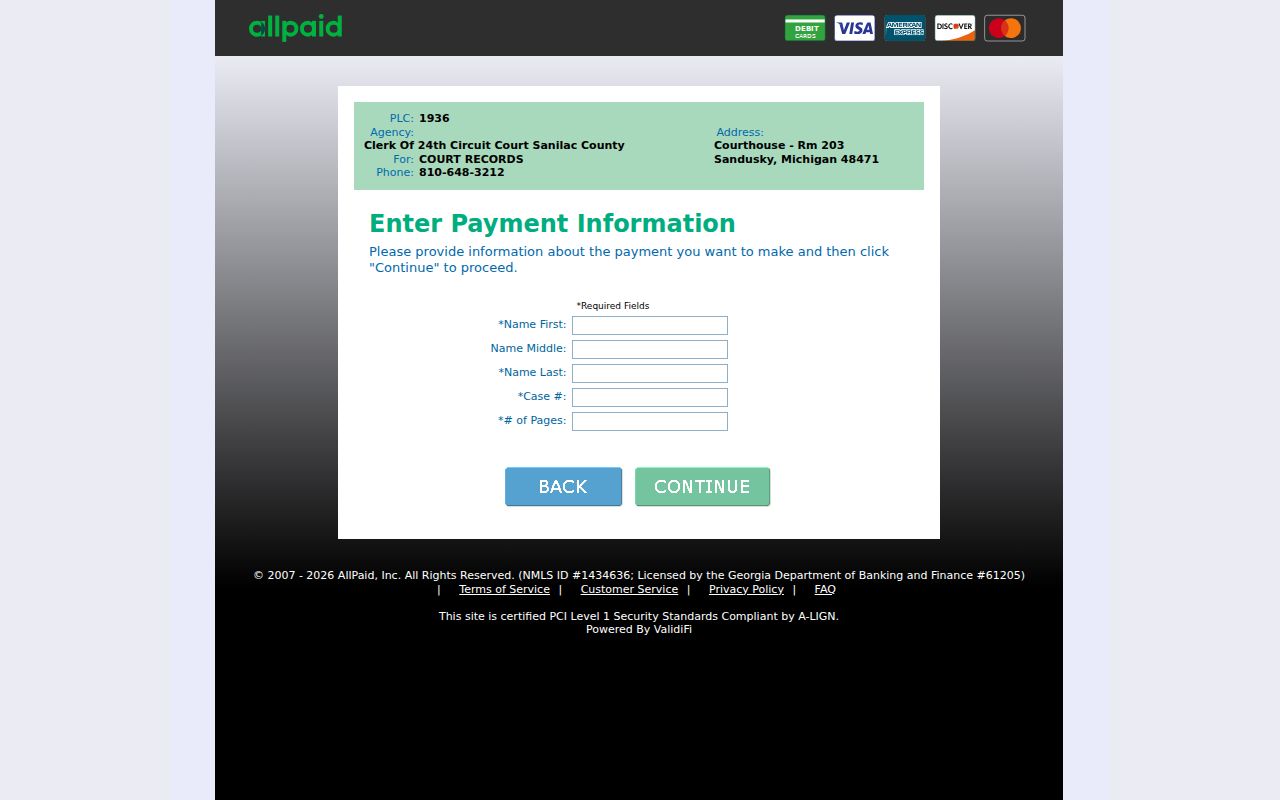
PLC 1936 is a records route, not a published traffic-payment schedule. Get the clerk's amount before using it for a court-copy request.
Sanilac Traffic Fine Schedule Limits
The official D73A fine instructions publish examples, not a universal schedule for every traffic case. Speeding runs from $100 for 1-10 mph over to $170 for 41-45 mph over. Past that, the instruction says to contact the court for over 46 mph. The same PDF lists other examples, like careless driving at $165 and certain accident additions. None of it is final. Amounts can change, and some charges require a court appearance. The citation, the current PDF, and court direction control.
- $100 for 1-10 mph over and $110 for 11-15 mph over
- $120 for 16-20 mph over and $130 for 21-25 mph over
- $140 for 26-30 mph over, $150 for 31-35, $160 for 36-40, and $170 for 41-45
- Contact 73A for over 46 mph and for any citation not covered by the published example list
Note: Published example amounts help you read the 73A instruction. A Sanilac County citation and current court direction still control.